> ## Documentation Index
> Fetch the complete documentation index at: https://docs.spicerack.gg/llms.txt
> Use this file to discover all available pages before exploring further.
# Store Management
> How to manage your store on Spicerack
### Overview
## Store Management
### Store Profile
* **Updating your store page**
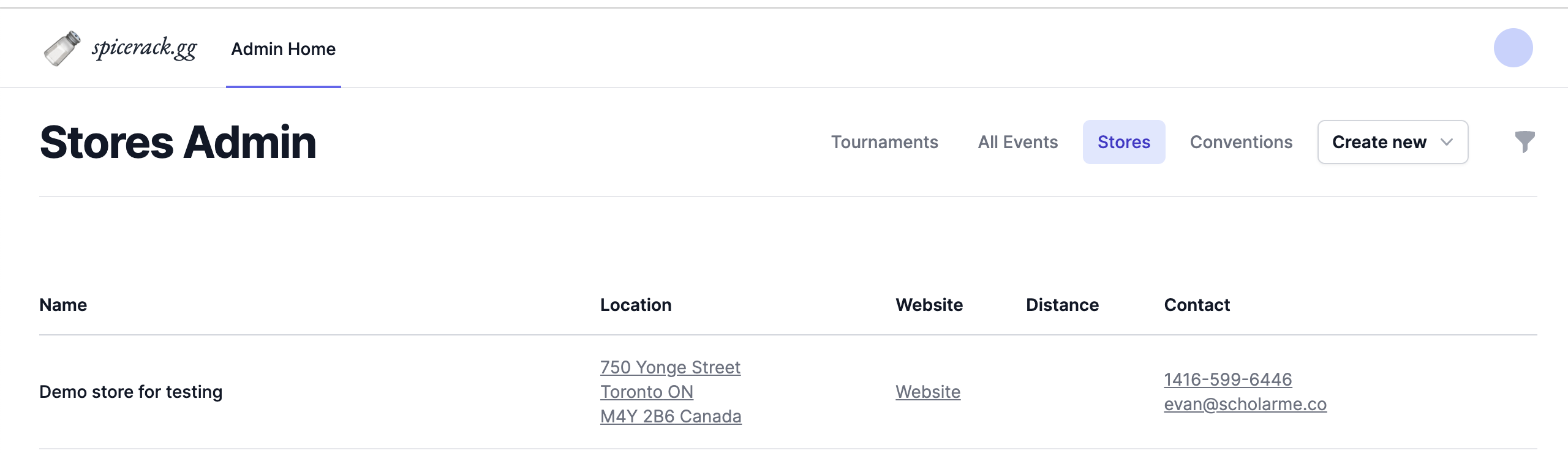
In [https://www.spicerack.gg/admin](https://www.spicerack.gg/admin) you can edit your store's page by going to the "Stores" tab clicking the name.
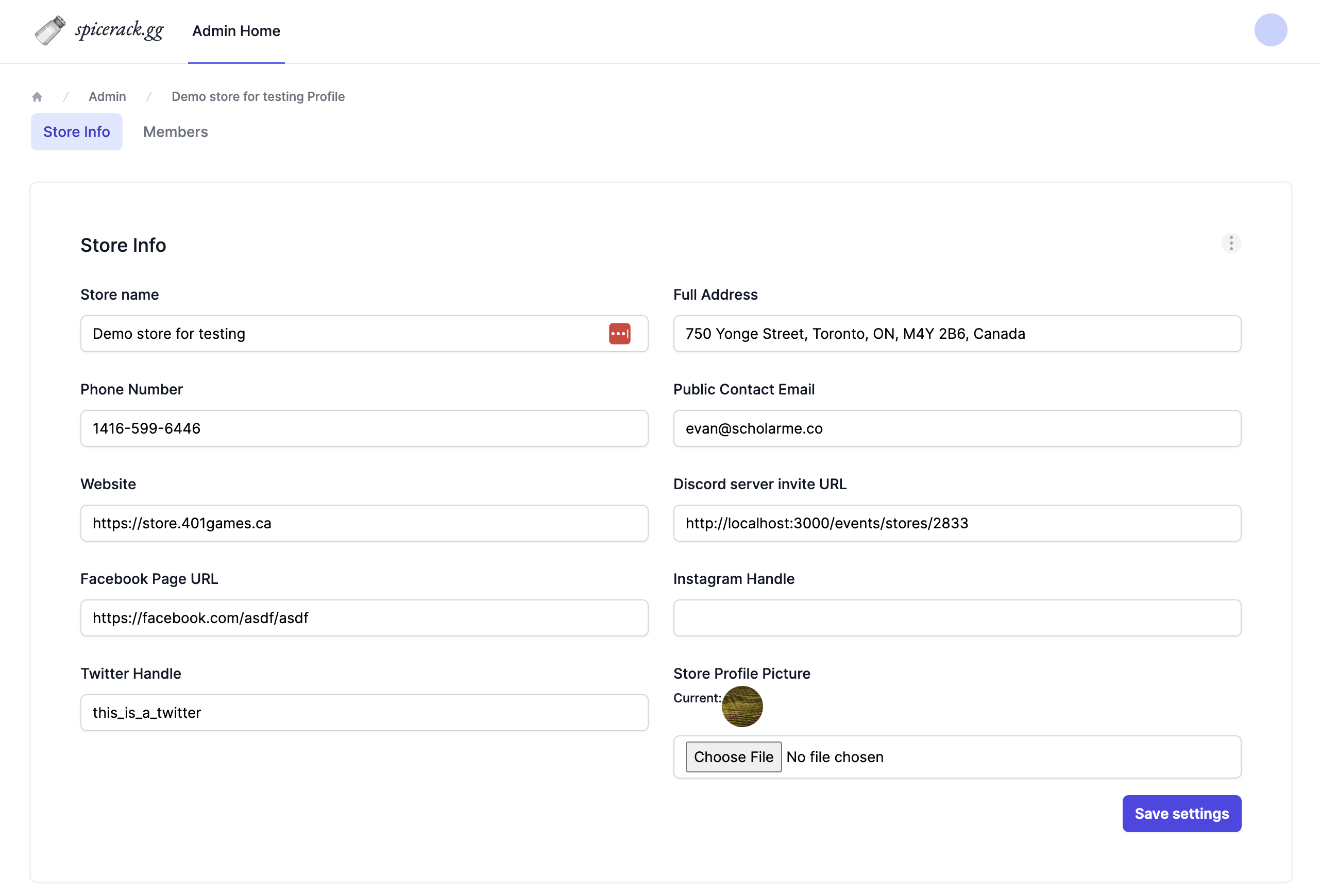
 On the store's admin page you can edit your social links, set contact info, and add a profile picture for your public page.
 ### Staff Management
* **Adding judges and staff to a store**
In the member's tab of your store page, you can view everyone that has access to your store.
### Staff Management
* **Adding judges and staff to a store**
In the member's tab of your store page, you can view everyone that has access to your store.
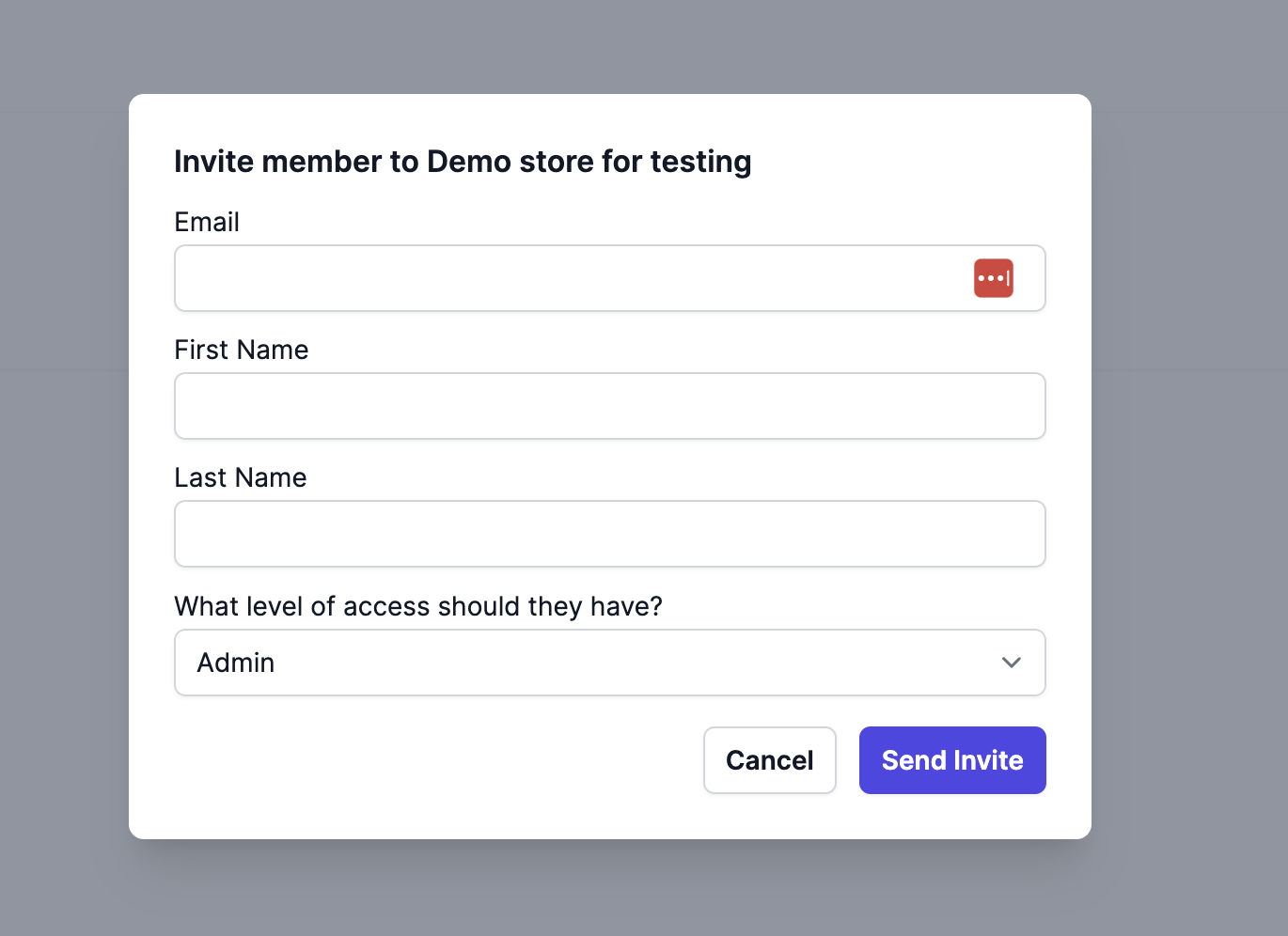
 Clicking Invite Member will let you send an email invite to whomever you want to access your store and events.
As of May 28th we're working on adding fine-grained controls to staff and judges for events, but for now you can add judges to your org while they need access, and remove them after they don't need it.
Clicking Invite Member will let you send an email invite to whomever you want to access your store and events.
As of May 28th we're working on adding fine-grained controls to staff and judges for events, but for now you can add judges to your org while they need access, and remove them after they don't need it.
 You can remove a member by clicking the three-dot menu by their name and choosing Remove from store
 ### EventLink Integration
* **Does using Spicerack for pairings and submitting an event link penalize my store or get us fewer "tickets"?**
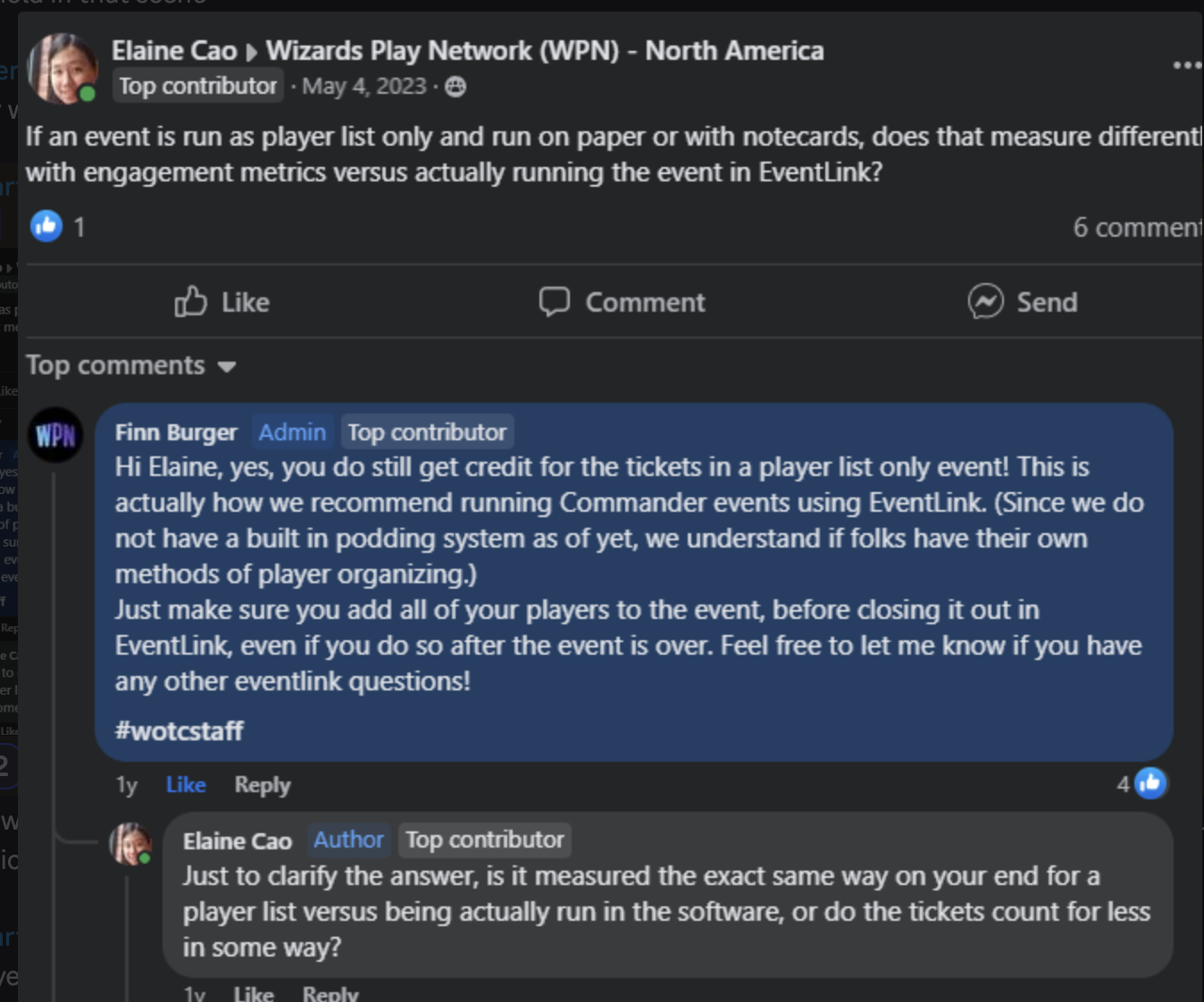
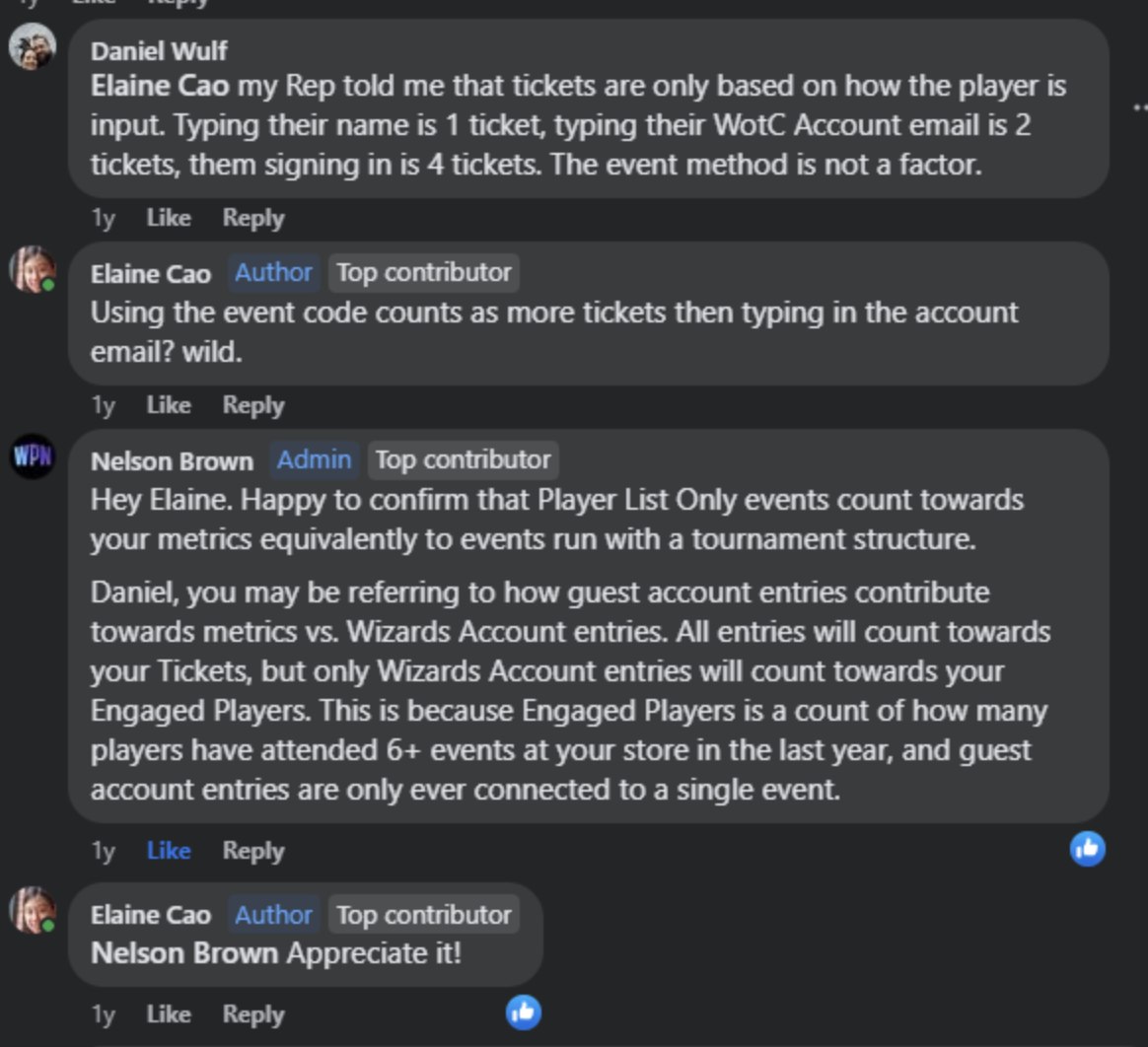
It does not! Submitting Player lists with valid Wizards emails is 100% equivalent to running the event through EventLink, see the following conversation with a WPN Rep for more info:
### EventLink Integration
* **Does using Spicerack for pairings and submitting an event link penalize my store or get us fewer "tickets"?**
It does not! Submitting Player lists with valid Wizards emails is 100% equivalent to running the event through EventLink, see the following conversation with a WPN Rep for more info: